How to – DIRECTORY – Search, create, edit

DIRECTORY – Search, create and edit records
From the shortcut bar, select: Directory

The way you search for a record depends on your Directory exhibition mode.
List mode
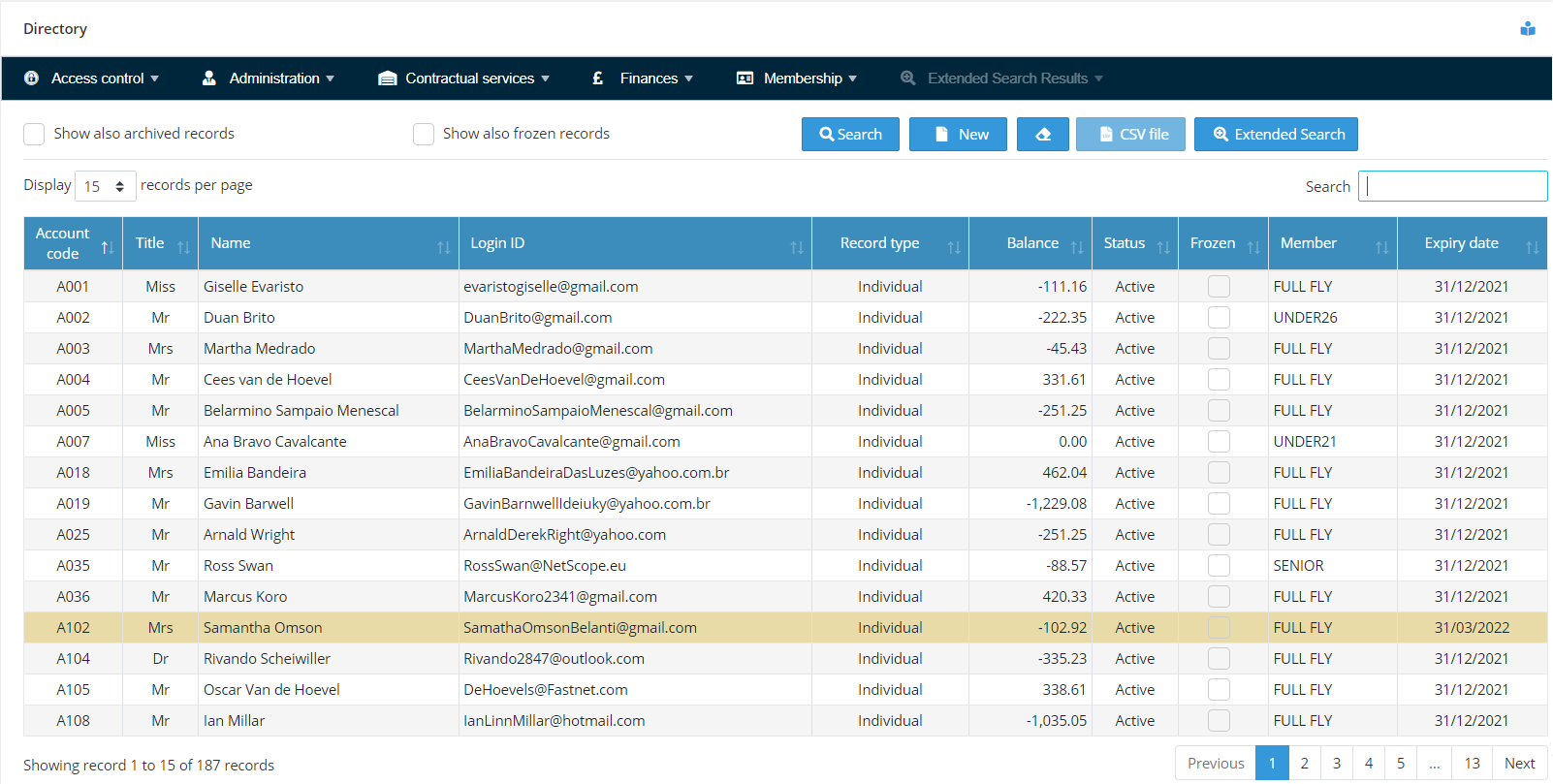
All active records are displayed in a grid. Search the record you want using the search box located at the top right, just above the grid. This feature allows for incremental search. As you start typing, the application filters the records whose information being displayed on the grid contains the string of characters you have typed. Once you have found the record, select it by clicking on the respective line.
Search mode
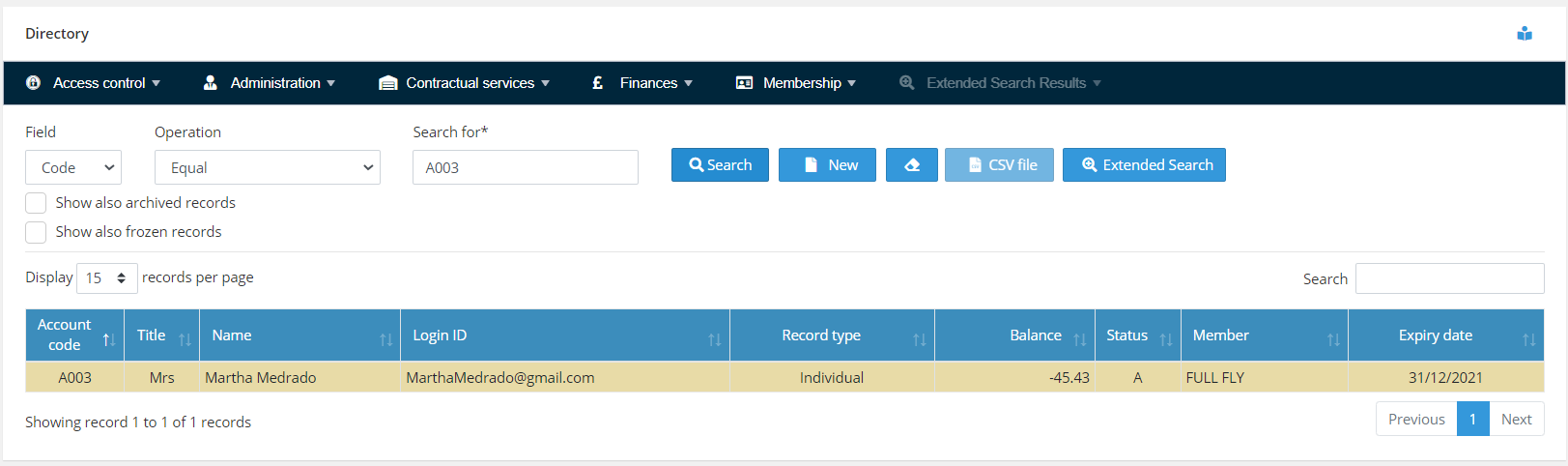
When this mode is set, you are required to enter the identification of the record you want in the “Search for” field and press the Search button. The identification of the record can be the flying account number (code) or name. You can also select the operation to be performed by the search. “Equal”, “Starts with” or “Contains”. The system will perform the search according to these options. By default Aerolog Cloud uses Field = “Code” and Operation = “Equal”.
Why Aerolog Cloud?