How to – DIRECTORY – Define exhibition mode

DIRECTORY – Define the exhibition mode
From the main menu, select: Administration >> Infrastructure >> Configuration
On the field Directory exhibition mode, select the value from the dropdown list.
Overview
Records in the Directory can be exhibited in one of two ways:
List mode
All active records are displayed in a grid. You can then search the record you want using the search box located at the top right, just above the grid. This feature allows for incremental search. As you start typing, the application filters the records whose information being displayed on the grid contains the string of characters you have typed. Once you have found the record, select it by clicking on the respective line.
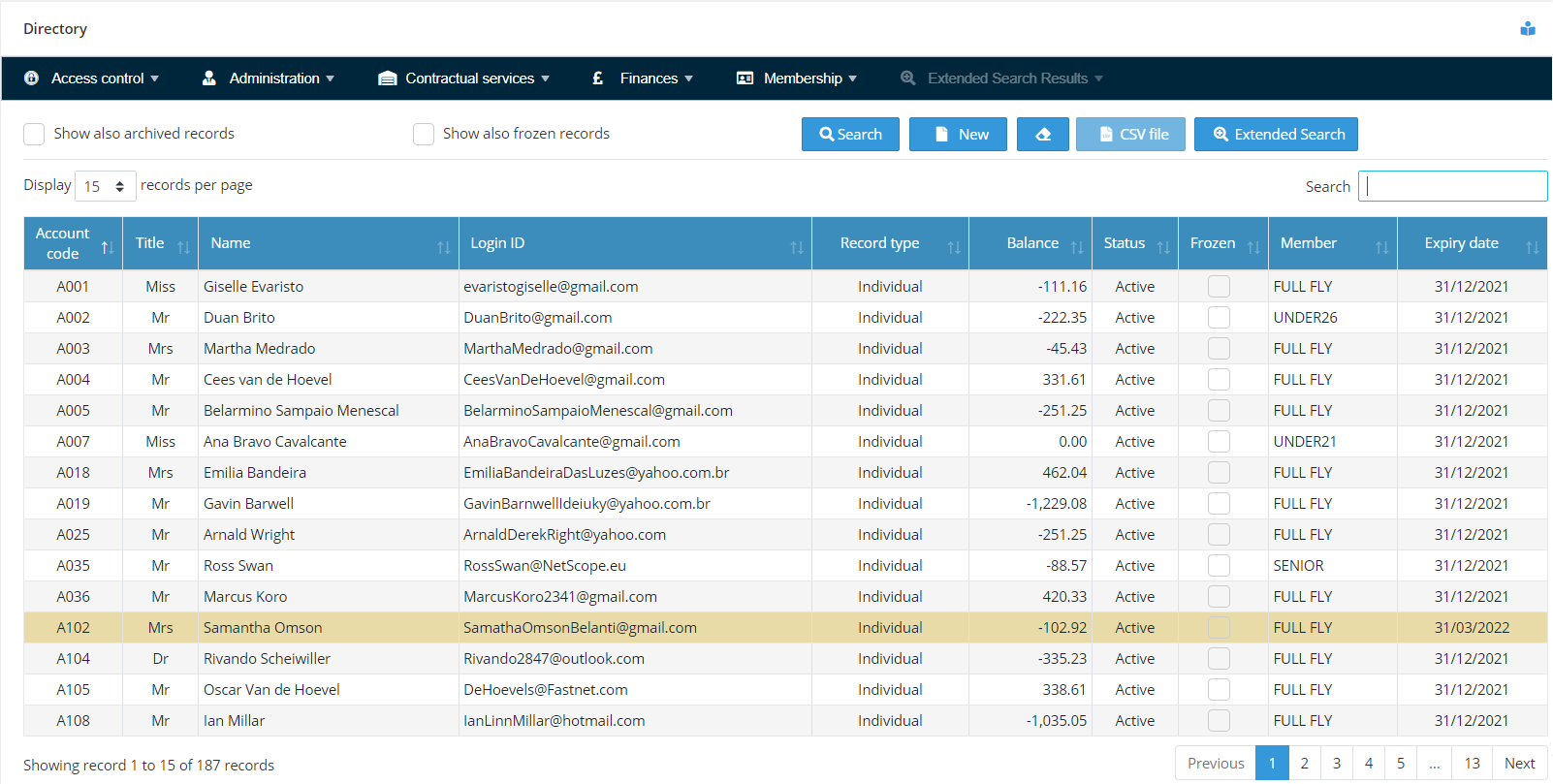
The selected record will then be available for all operations in the Directory.
This mode is very practical. However, it should be avoided if you have far too many records to be displayed. Even with a good Internet connection, a list over 3.000 (three thousand) records will take a few seconds to load. If you have anything below that number and if you Internet connection is good, then the LIST mode is recommended.
Search mode
When this mode is set, you are required to enter the identification of the record you want in the filter and press the Search button. The identification of the record can be the flying account number or name. The system will display in the directory grid only the records that match the criteria you have specified on the filter. You can then select the record you want.
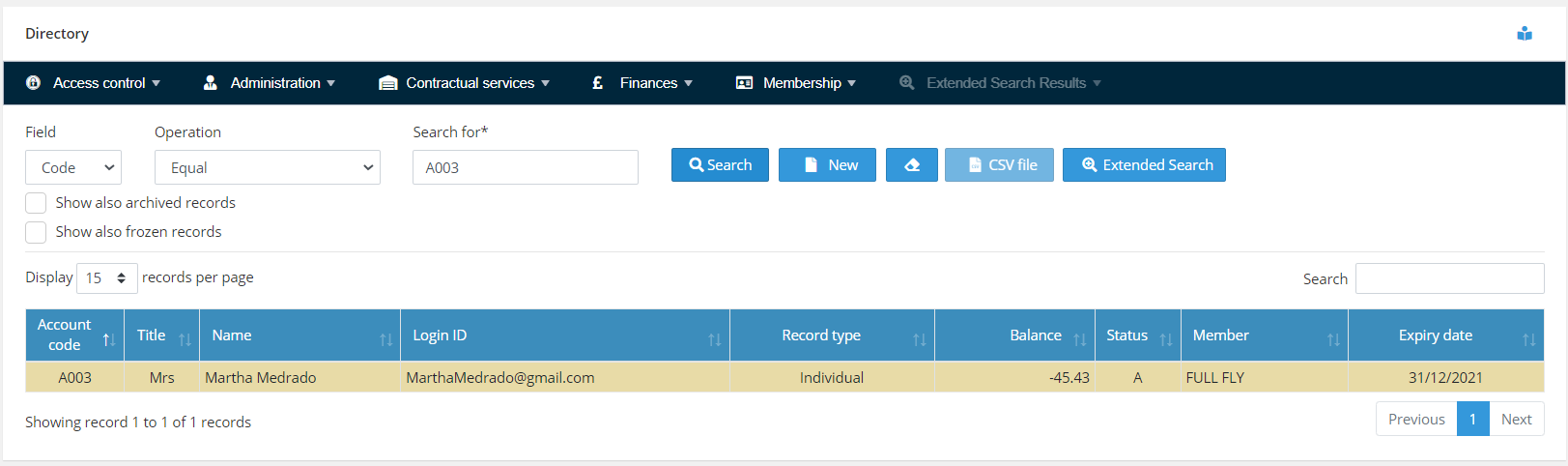
This mode causes less traffic in the network and brings the result instantly.
Why Aerolog Cloud?