en1030140_ReportsConfig

Reports configuration
Aerolog Cloud allows you to define the elements that should appear in different reports.
These elements are usually associated to nominal ledger accounts and flying accounts.
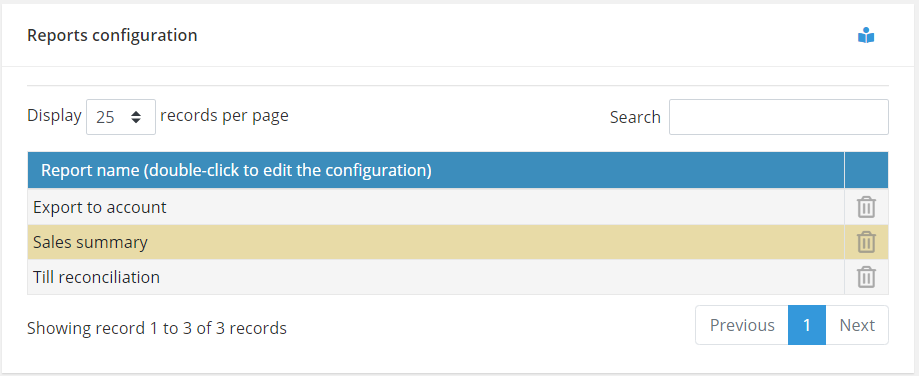
For each report shown in the grid, select the relevant line and double-click to see a list of ledger accounts that can appear on that report.
Select the accounts you wish and save. From now on, that report will display information only for the accounts that have been selected.
Why Aerolog Cloud?