en1011070_Profile_x_Users

User x Profiles
This function associates a user to one or more profiles.
External users, such as members, are automatically assigned by the system to a profile specific for members when they are entered in the Directory.
Staff users, have their profile controlled by the system administrator.
To assign one or more profiles to a user, select the user and press the search button. A list of all profiles is displayed. Select the profile(s) that should be assigned to that user. A user can be assigned to one or more profiles.
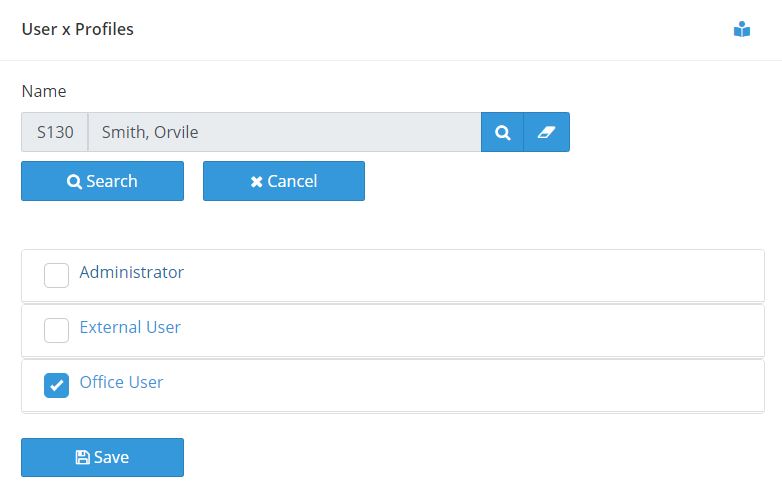
Click on the name of the profile to expand it and see a list of all functions associated to that profile.
Why Aerolog Cloud?