en1011060_Profile_x_Functions

Profiles x Functions
In this screen you can associate Aerolog functions to a specific access control profile.
After selecting the profile from the dropdown box, a list of all modules available in the system is displayed.
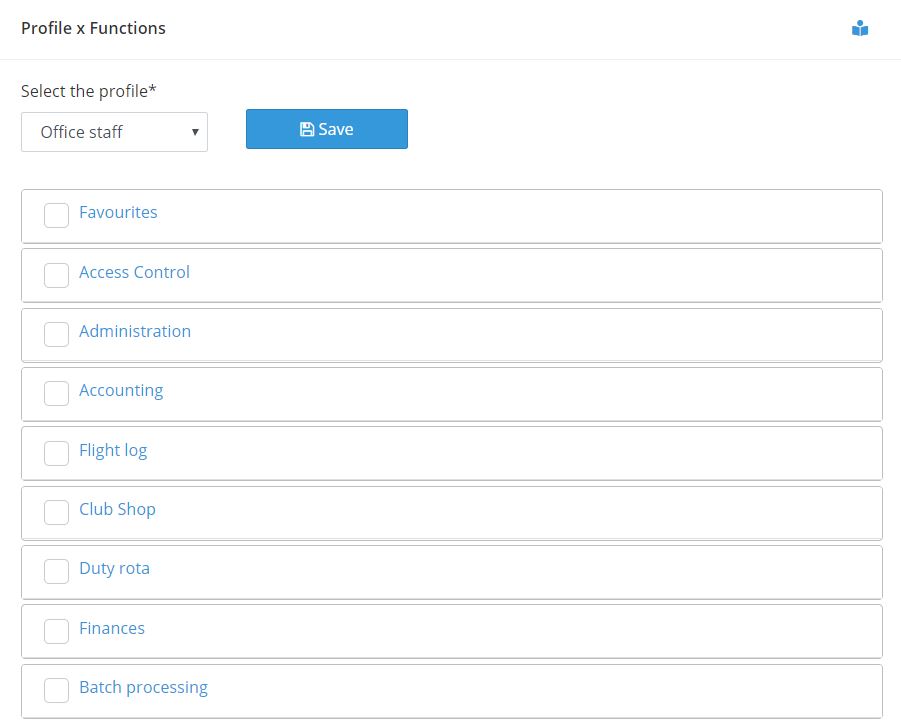
In front of each module’s name there is a check box. By selecting the checkbox you are telling the system that the module and its functions will be part of that profile.
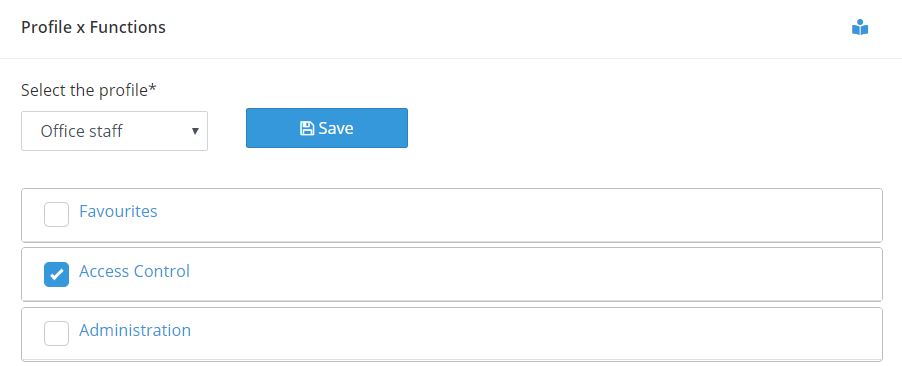
However, you may not wish all functions of that module to be available for that profile. In such case, take the cursor to the name of the module and click on it. The system expands the module and displays all functions and respective operations available for that module.
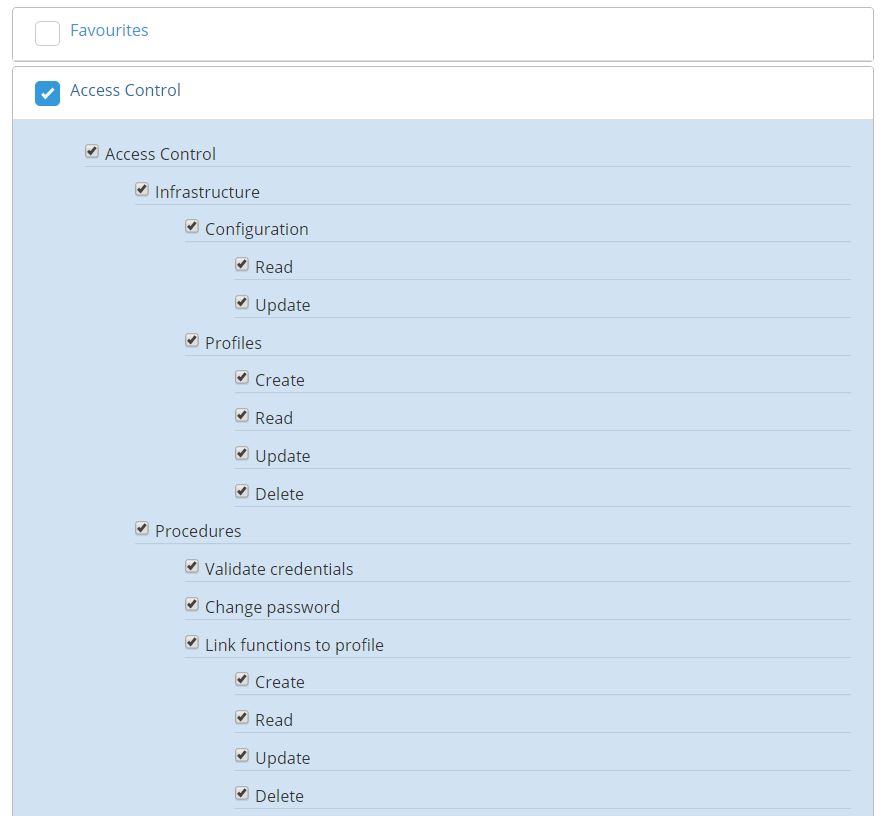
You can select or deselect the functions according to what you need.
This process must be repeated through all modules of the list until you are satisfied that all modules and respective functions you want for that profile have been selected.
Don’t forget to save your changes by using one of the SAVE buttons. They are located both at the top and at the bottom of the screen.
Why Aerolog Cloud?